Slack app
REMO in Slack
Your studio's shoots, edits and deliveries, in the place your team already talks.
Already on REMO? Connect. New to REMO? Request access.
What it does
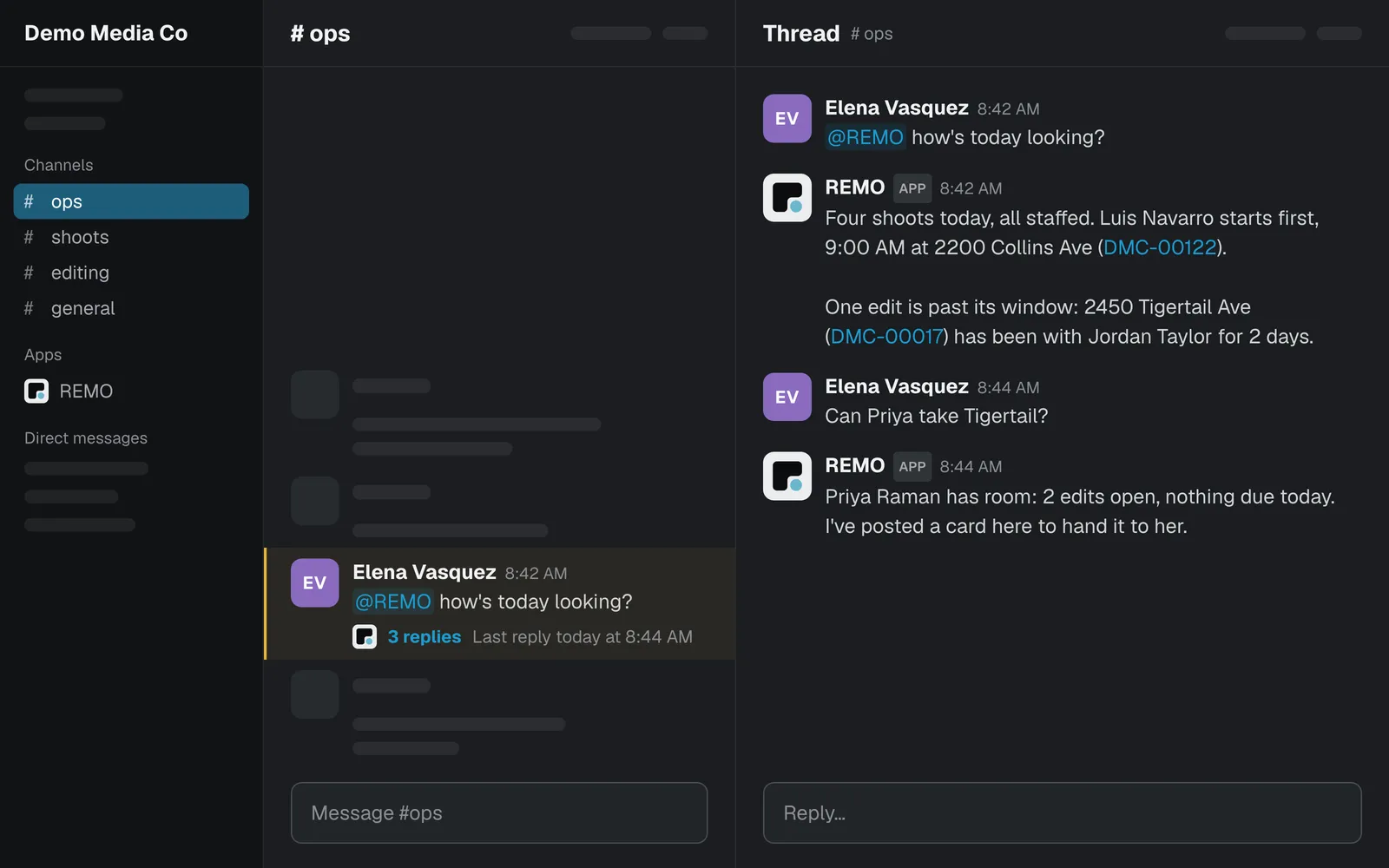
Your studio, in the thread.
Ask @REMO
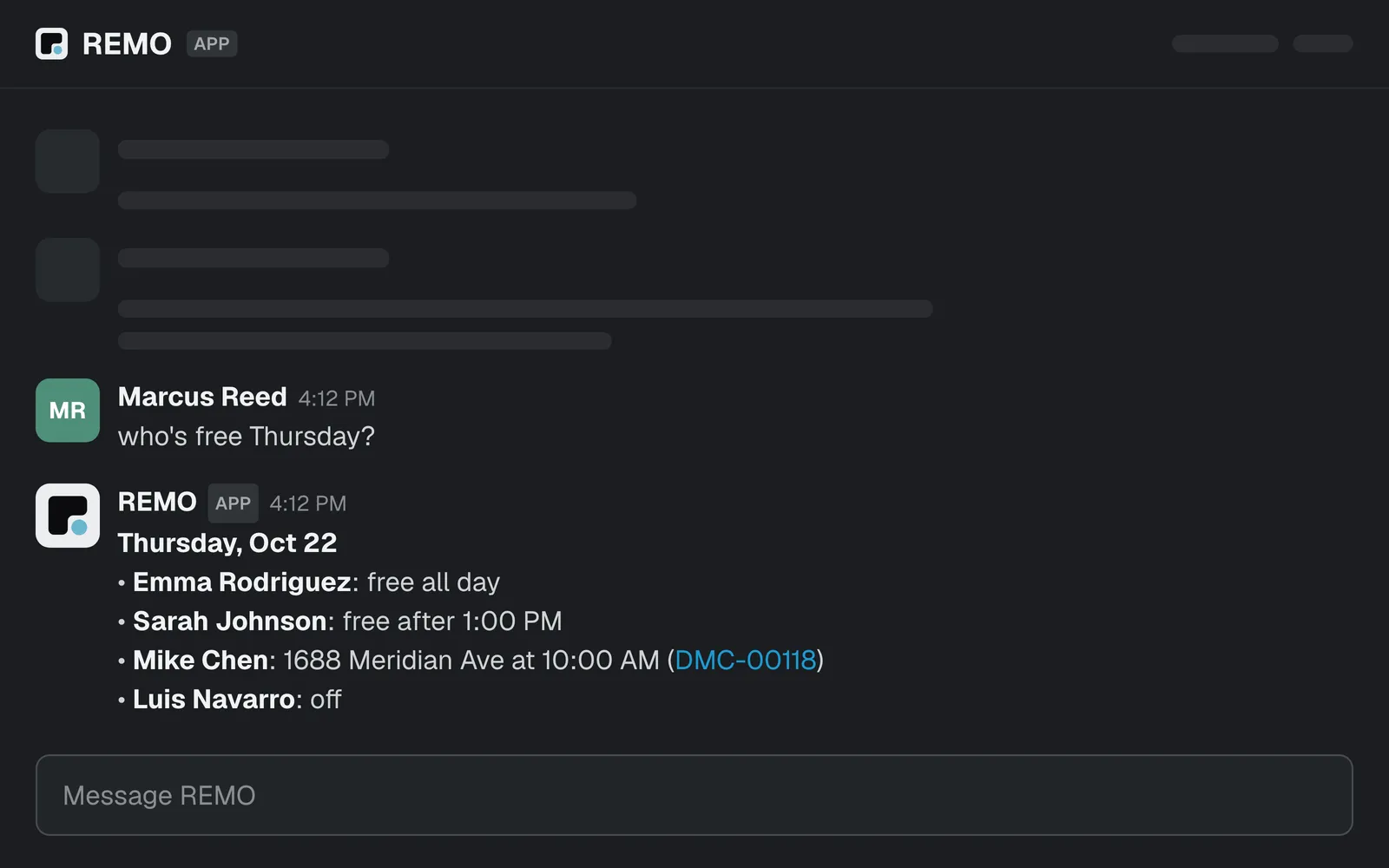
Mention @REMO in a channel or DM it. Ask what's shooting today, what's stuck, who's free Thursday. It answers from your studio's live data and keeps the thread going.
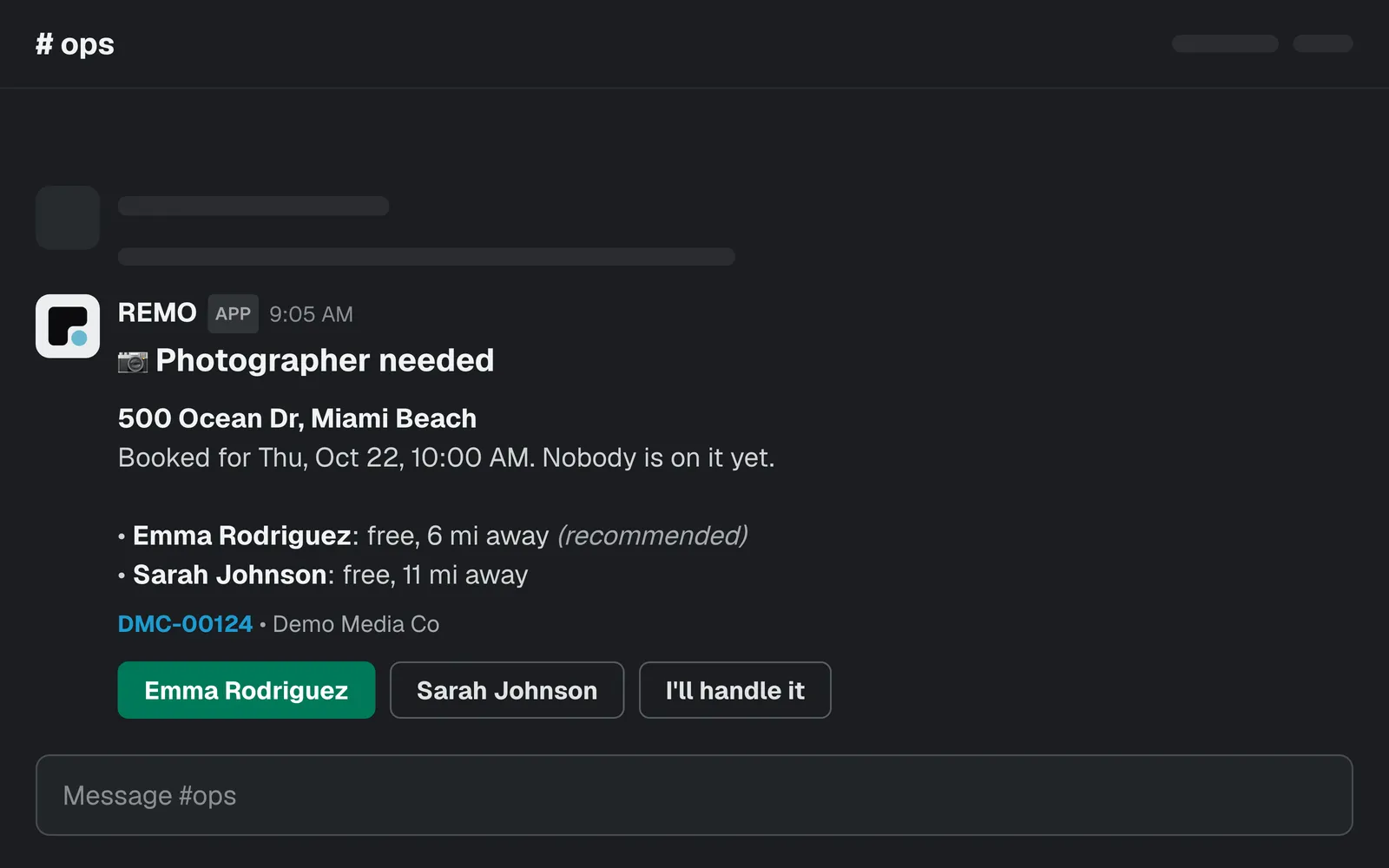
Decide without leaving Slack
When REMO needs a call, like who takes an unstaffed shoot or an edit running late, it posts a card. Pick who takes it, or say you'll handle it, right there.
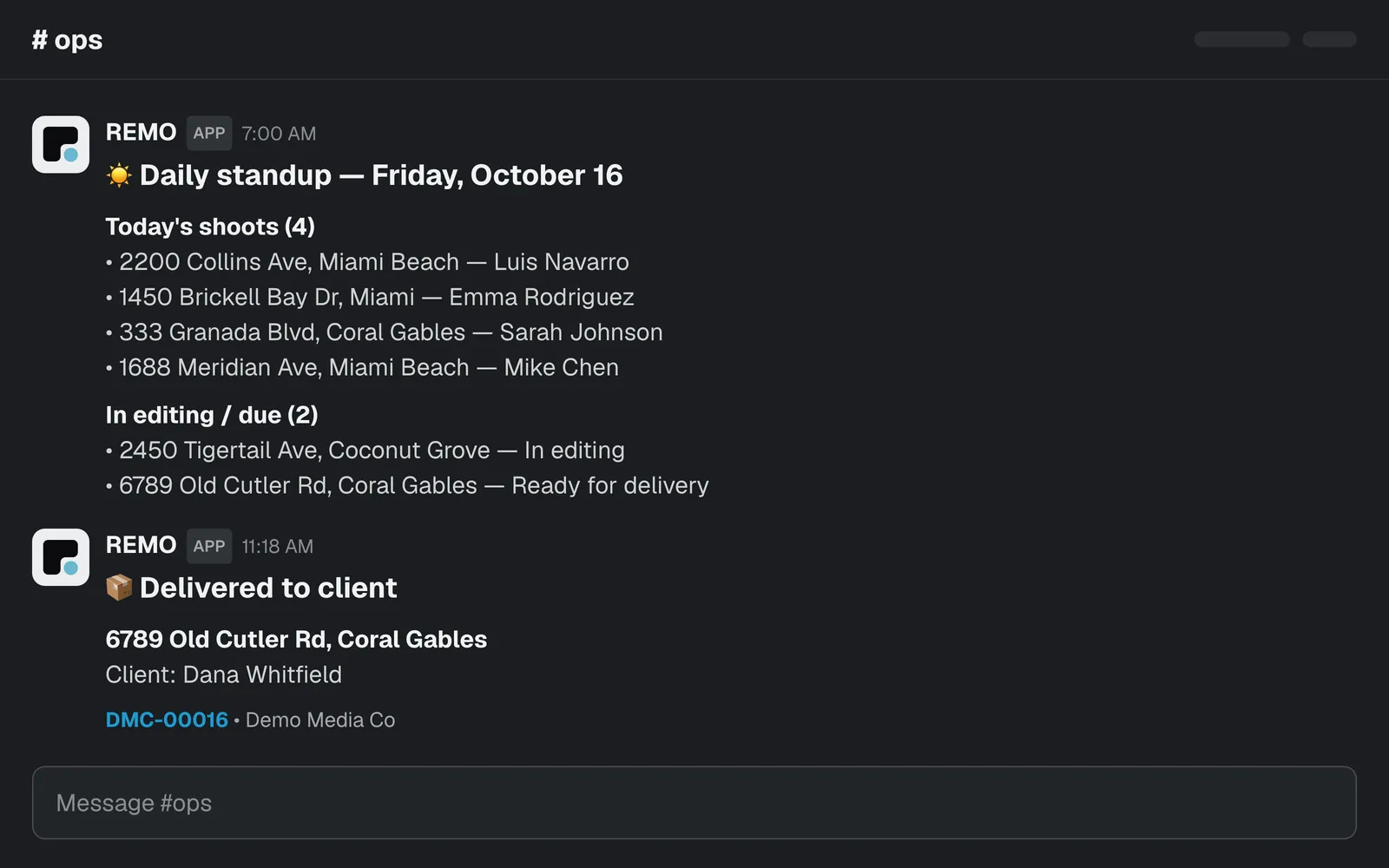
Updates you choose
Pick which job updates reach your channel, and turn on a morning standup that sums up the day at 7am studio time.
Slash commands
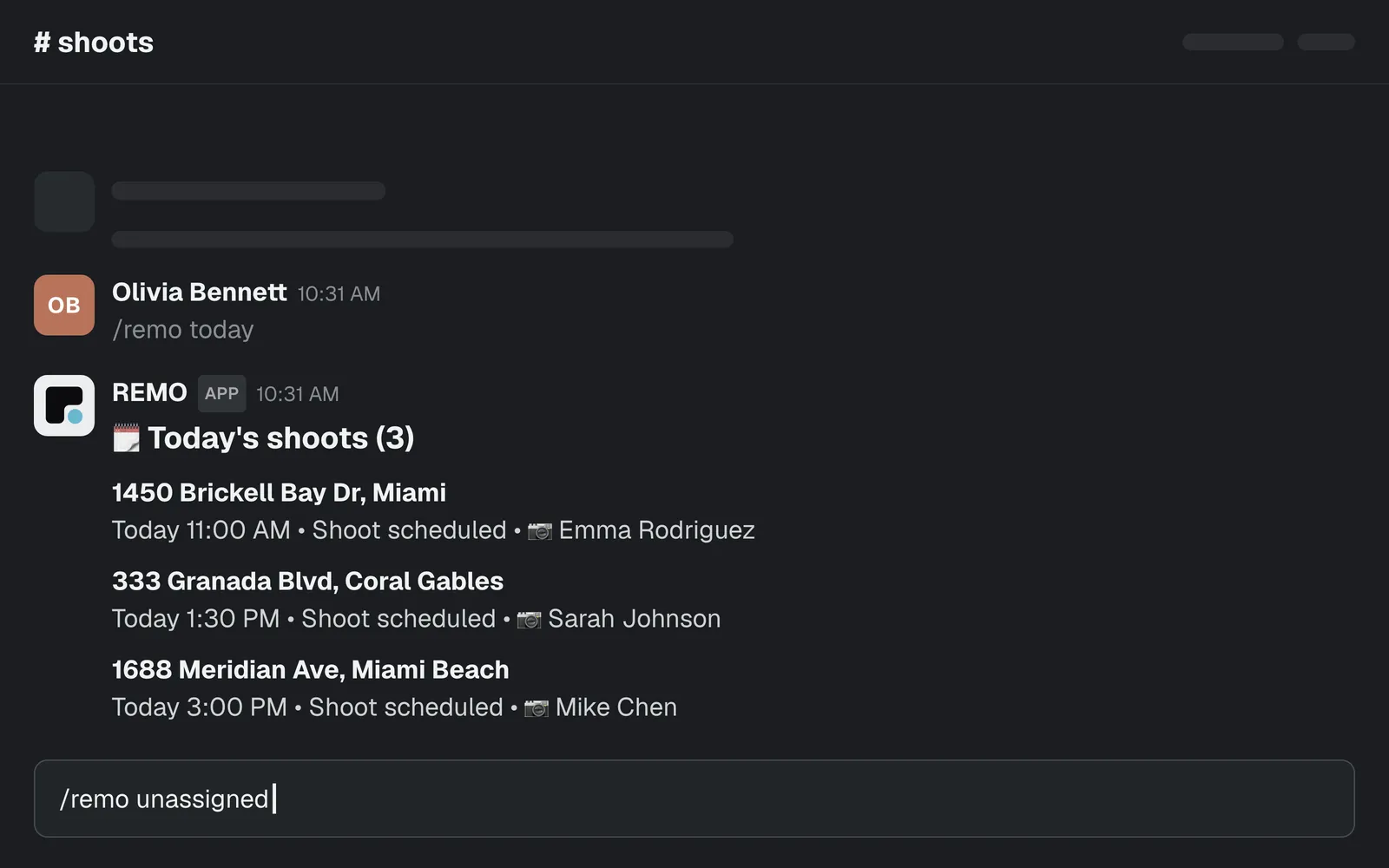
Quick answers without a mention.
/remo today/remo unassigned/remo job <address or order #>
Setup
Connect in three steps
- 01Sign in to REMO as an owner or admin.
- 02Open Studio › Connections and choose Slack.
- 03Approve in Slack and pick a channel.
Everyone else just uses it. REMO matches each person to their REMO account by email.
Privacy
What REMO can see
REMO reads:
- Messages that mention @REMO, DMs sent to it, and replies in threads it has joined.
- Your channel list, so you can pick a channel.
- People's names and emails, to match them to REMO accounts.
It posts only to the channel you pick.
Disconnect any time from Studio › Connections, or remove the app in Slack.
Privacy policyBring REMO into Slack.
Questions? [email protected]